Settings
Third-Party Integrations
QuickBooks, Stripe payments and calendar sync, at a glance.
Extend CleanTrack360 by connecting the tools your business already runs on.
Integrations
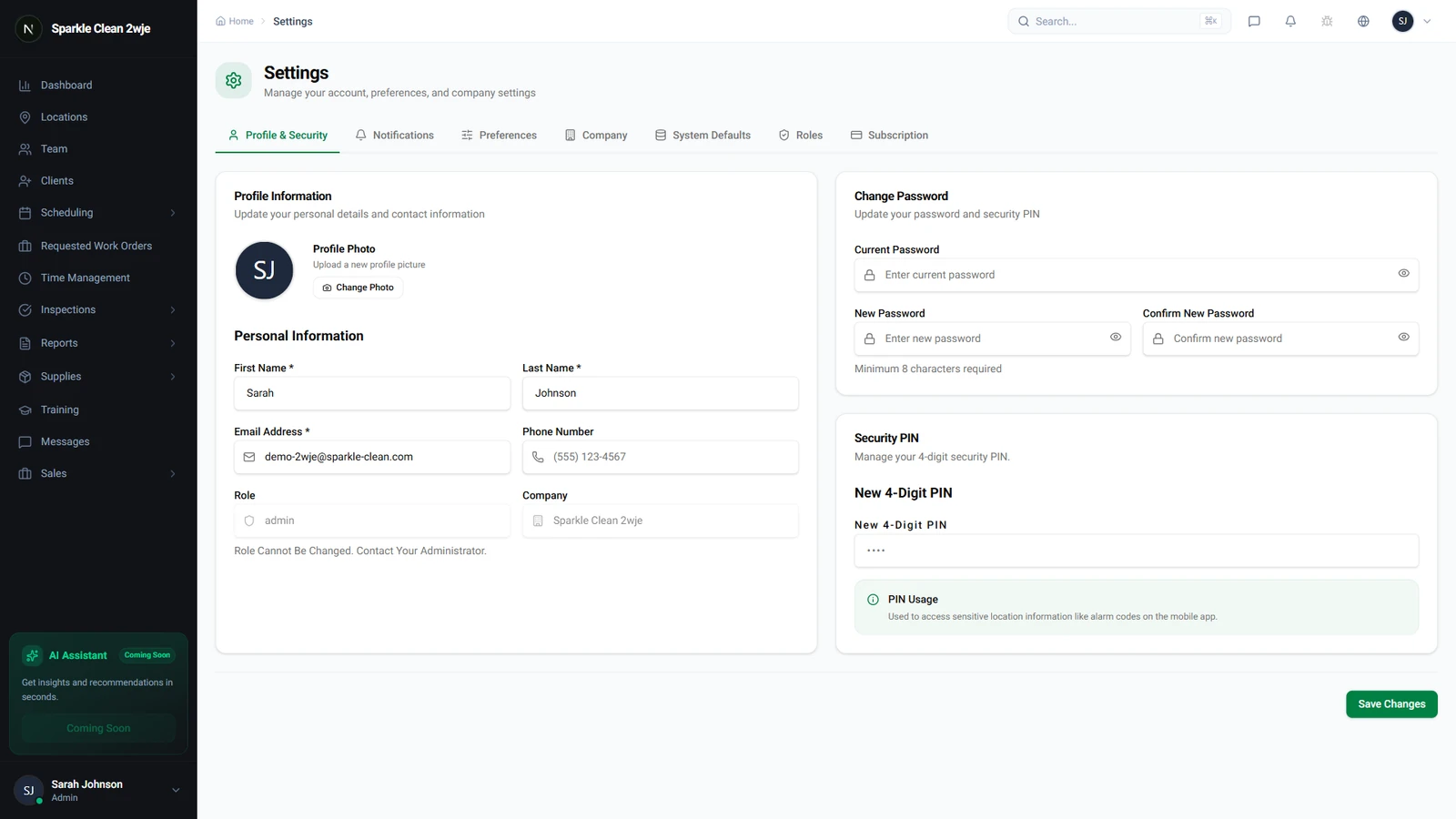
In Settings, navigate to Integrations.
What connects here
QuickBooks Online (accounting) and Stripe payments (card and bank payments on invoices) connect here, for the whole company, by an admin. Google Calendar and the device calendar are personal and live under each person's profile in the mobile app.
QuickBooks Online
Needs a plan with the Integrations module. Connect once, then Import customers as clients and locations, finish the Accounting setup, and from then on quotes go out as estimates, every client invoice is written to your books, supply purchases become bills and closed clock entries can be sent as time activities. Payments recorded in QuickBooks come back every hour.
Stripe payments
Available on every plan. Click Set up payments, complete Stripe's onboarding, and once the status reads Taking payments every invoice gets a hosted payment page. Clients pay you directly; CleanTrack360 never holds the money.
Where the results show
Invoices live under Invoices in the sidebar and per-location billing (per visit or monthly) is set on the location's Financials tab. Integration problems such as an expired QuickBooks access or a paused Stripe account are listed on the Issues page.