Scheduling & Dispatch
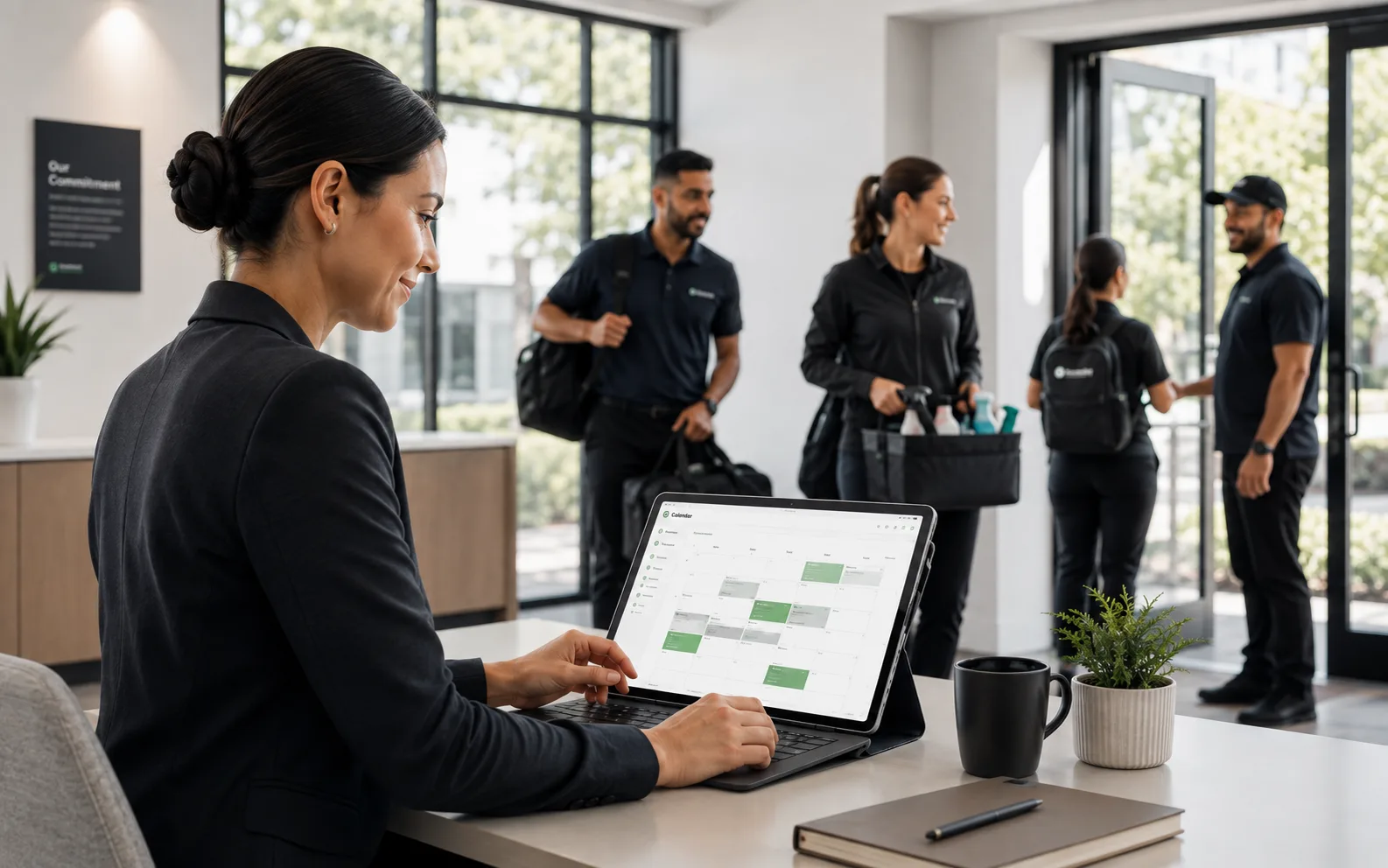
Your entire cleaning schedule in one drag-and-drop calendar.
Build recurring schedules, create one-time jobs, and manage work orders from a single calendar. Assign cleaners by location and availability, then let the system handle reminders and notifications.
Included in every plan · No credit card required
The problem
You know this routine too well.
Most cleaning companies still manage schedules on whiteboards, spreadsheets, or three different apps. When someone calls out, it takes 30 minutes to find a replacement. Clients get missed. Nobody knows who's covering what. Your schedule should run the operation, not create more chaos.
With CleanTrack360
- Build a week of shifts by dragging them onto the calendar
- Catch double-bookings and tight travel windows before you save
- Reduce no-shows with automatic shift reminders
- Give clients their own view of upcoming visits in the portal
- Handle call-outs in seconds, not hours
Everything included
What is inside Scheduling & Dispatch
Every feature below comes with your plan. No add-ons, no upsells.
Drag-and-Drop Calendar
Move shifts, reassign crews, and adjust schedules visually. See the full week or month at a glance.
Recurring Schedules
Set up weekly, biweekly, or custom recurring schedules. The system creates shifts automatically. You just review and approve.
Work Orders
Create one-time jobs for special requests, deep cleans, or emergency call-outs. Track them alongside recurring schedules.
Conflict Warnings
The calendar flags a double-booked cleaner, an overlapping location, or a travel window that is too tight, before the schedule is saved.
Automatic Reminders
Crew members get a shift reminder before their start time, in their own language. Fewer no-shows without chasing people down.
Calendar Sync
Two-way Google Calendar sync per user, and any schedule exports as an ICS file for every other calendar app.
How it works
Up and running the same day
Create locations
Add your client locations with addresses, contacts, and service requirements.
Build schedules
Set up recurring or one-time shifts using the drag-and-drop calendar.
Assign crew
Assign cleaners to shifts based on availability, with conflict warnings as you go.
Monitor & adjust
Track shift completion in real time. Reassign on the fly if someone calls out.
FAQ
Questions about Scheduling & Dispatch
Yes. Each location has its own schedule with its own recurring shifts, assigned crew, and service specifications. You can view all locations on one combined calendar or filter by location.
Works together with
Stronger as one platform
See Scheduling & Dispatch on your own operation
Run real jobs through CleanTrack360 during your 14-day free trial.
Start your free trialNo credit card required · Cancel anytime