GPS Clock In/Out
Know exactly who's on-site, when they arrived, and when they left.
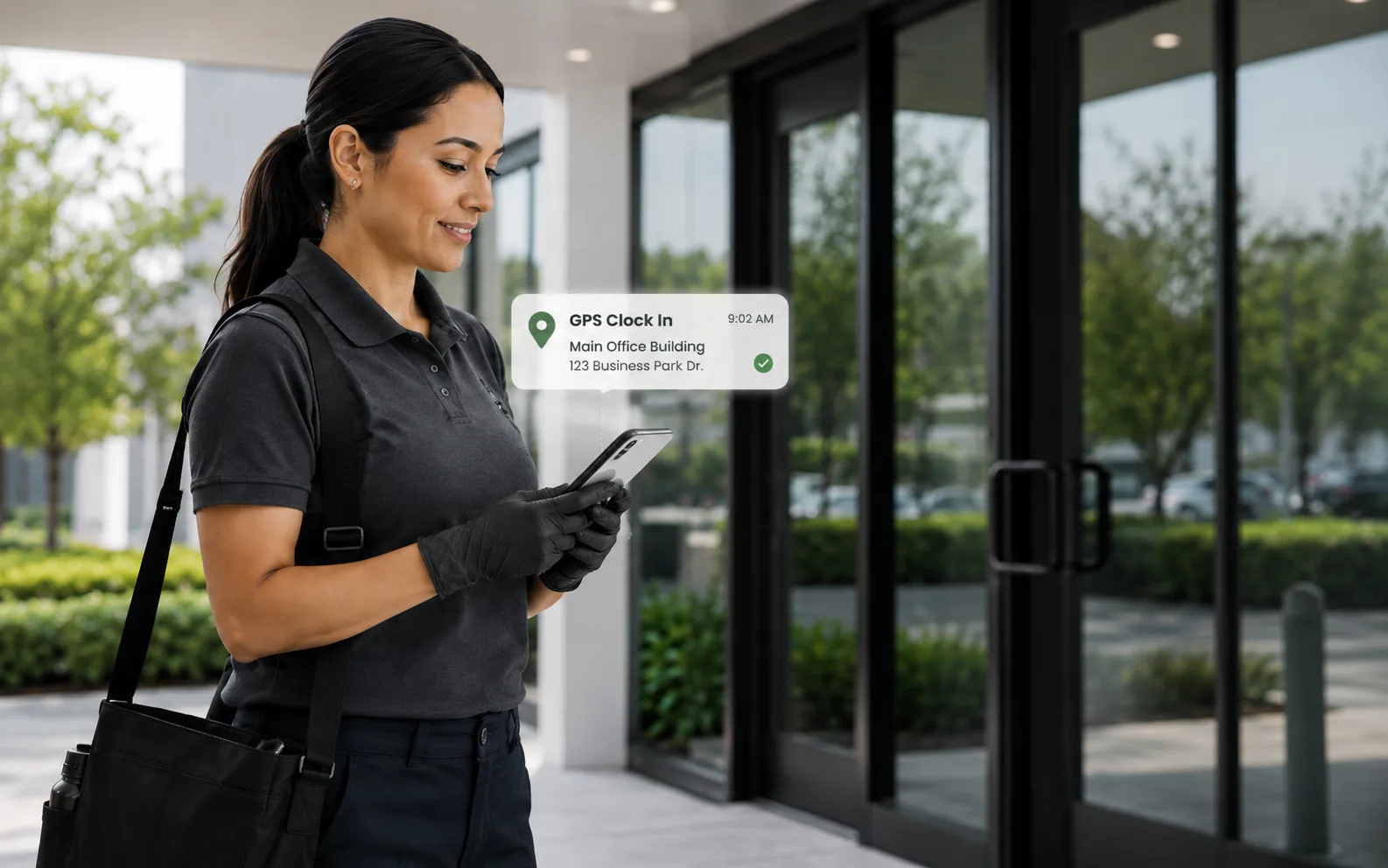
Geofenced time tracking in the CleanTrack360 app for iOS and Android, or straight from the phone browser with nothing to install. Your crew clocks in when they arrive at the job site, and you see it on your live operations map in real time.
Included in every plan · No credit card required
The problem
You know this routine too well.
You're paying crews for hours you can't verify. Are they actually at the location? Did they arrive on time? Did they stay the full shift? Without GPS verification, you're trusting timesheets, and timesheets lie. Every unverified hour is money out the door.
With CleanTrack360
- Eliminate buddy punching and fake time entries
- See who's on-site in real time, no phone calls needed
- Auto-generate timesheets from verified clock-ins
- Get instant alerts when crew is late to a job
- Hours roll into payroll and attendance reports on their own
Everything included
What is inside GPS Clock In/Out
Every feature below comes with your plan. No add-ons, no upsells.
Geofenced Clock-In
Crew can only clock in when they're physically at the job site. No more buddy punching or fake time entries.
Live Operations Map
Every location on one map, updating as clock-ins land. Know which sites are covered right now and which crews have not started yet.
10-Second Clock-In
Tap to clock in, tap to clock out. Works in the mobile app on iOS and Android, or in any smartphone browser with nothing to install.
Automatic Timesheets
Hours are calculated automatically from clock-in and clock-out times, drive time tracked separately, and everything rolls up into the payroll and attendance reports.
Location History
Full audit trail of every clock-in with GPS coordinates, timestamps, and duration at each location.
Late Arrival Alerts
Get notified immediately when a crew member hasn't clocked in by their scheduled start time.
How it works
Up and running the same day
Set geofences
Define the GPS boundary around each job site. Crew must be within range to clock in.
Crew arrives
When your cleaner reaches the location, they tap one button on their phone to clock in.
Real-time tracking
You see the check-in on your dashboard instantly. The live map updates with their status.
Auto-calculate hours
Clock-out generates the timesheet entry automatically. No manual data entry needed.
FAQ
Questions about GPS Clock In/Out
Only if they want to. CleanTrack360 is on Google Play and the App Store, and the same clock-in also works in the phone browser. Send them a link, they tap to clock in. That's it.
See GPS Clock In/Out on your own operation
Run real jobs through CleanTrack360 during your 14-day free trial.
Start your free trialNo credit card required · Cancel anytime