Clients
How the Client Portal Works
What clients see in their portal.
Last updated June 10, 2026
The Client Portal is a streamlined dashboard for transparency and communication.
1
Client Portal Overview
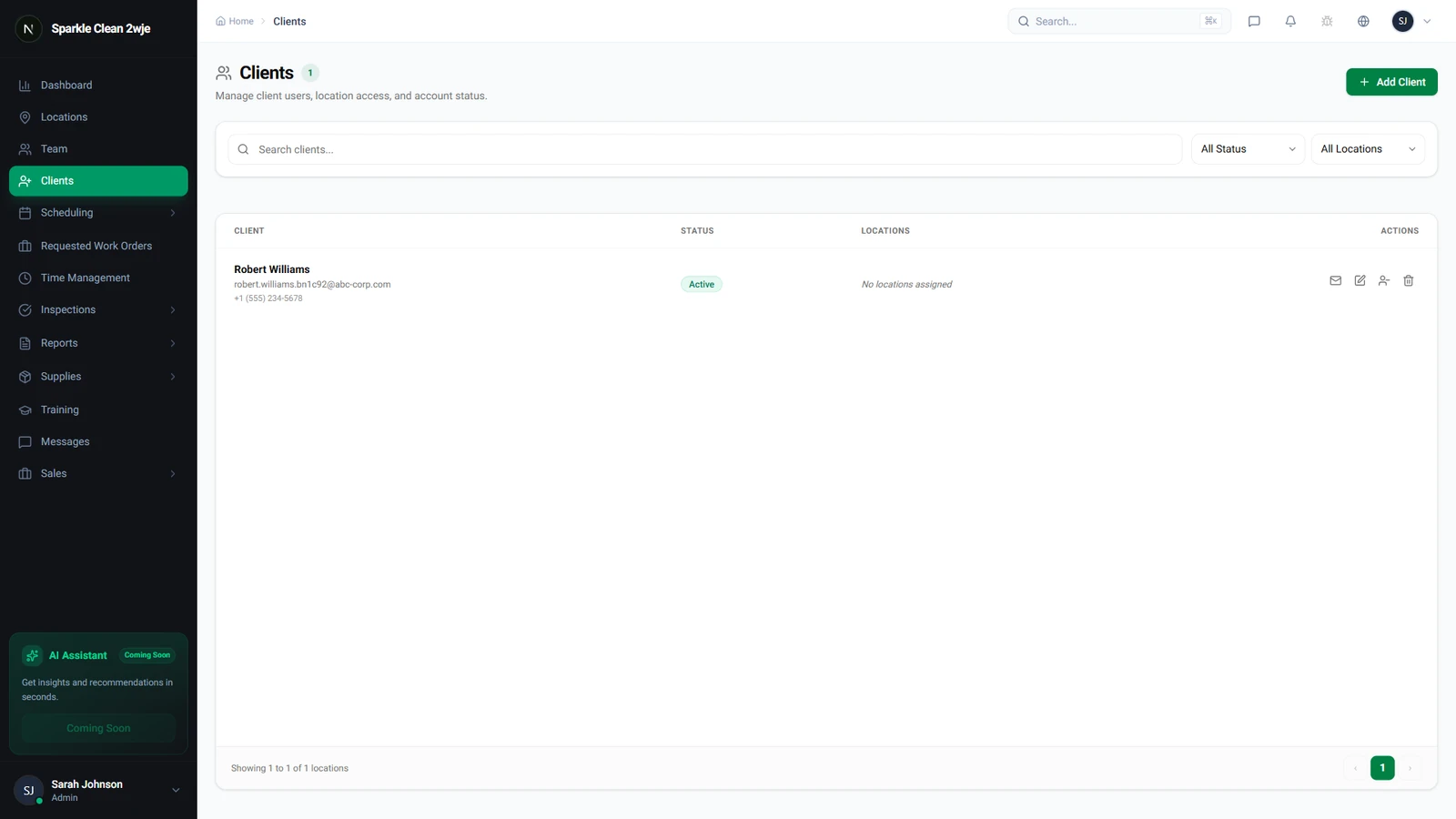
From the client list, you can manage portal access for each client.
2
Client Dashboard
Clients see: upcoming schedules, recent inspections, quality score trends, and pending proposals.
3
Inspection Reports
Only reports you explicitly share are visible. Internal notes and draft reports are never shown.
ℹ️
Click the Share Report button on any completed inspection report to make it visible to the client.
4
Work Order Requests
Clients submit work orders (e.g., "spill cleanup") through the portal. These appear in Scheduling → Work Orders.
💡
Pro tip: Enable notifications to be alerted instantly when a client submits a request.
🙌
Need help? If you have any questions or run into issues, reach out through the Support section in your dashboard.