Clients
Sharing Inspection Reports with Clients
Share quality results with clients.
Last updated June 10, 2026
Sharing reports builds trust and demonstrates accountability.
1
Completed Inspection Plans
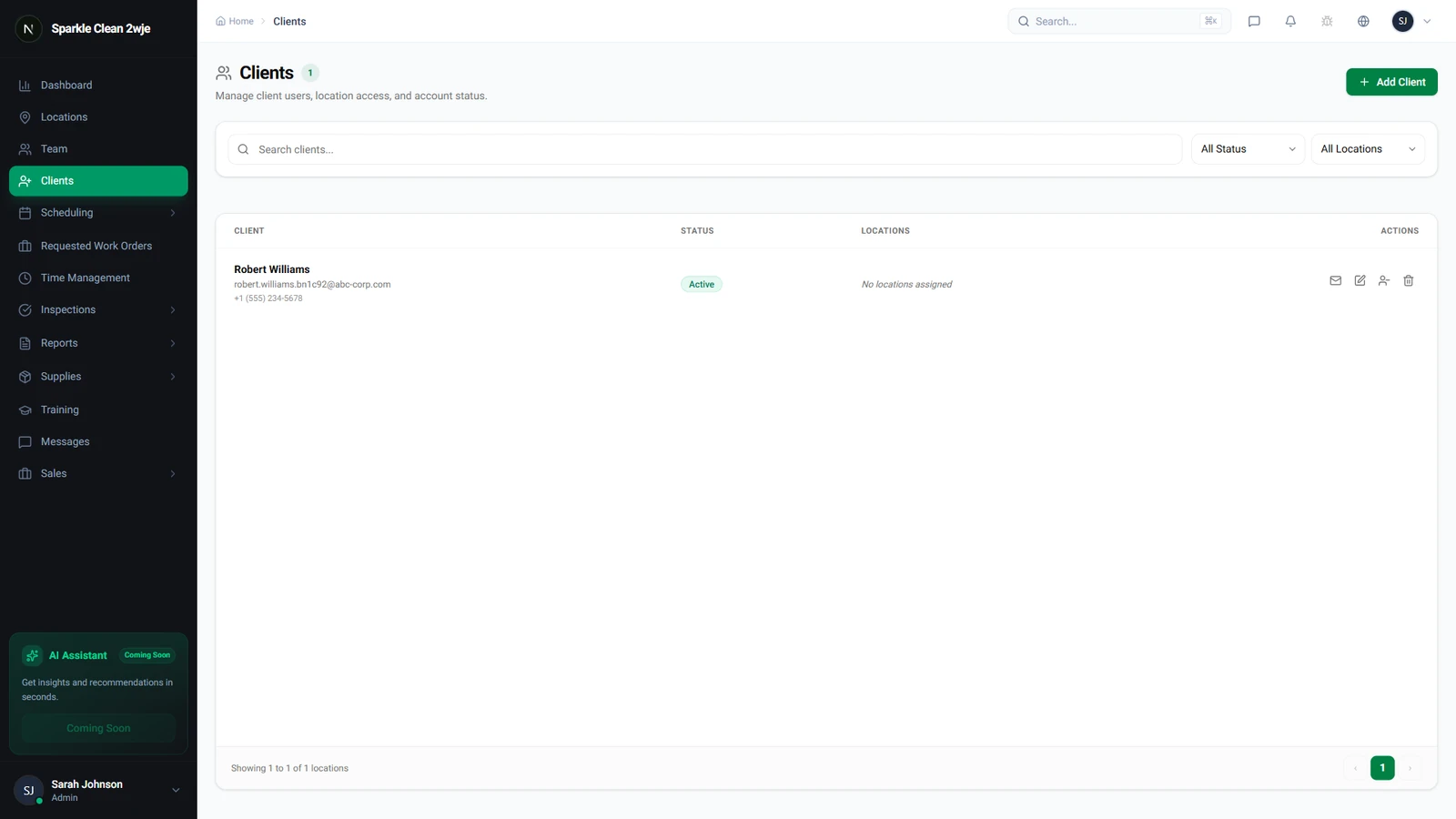
Navigate to Inspections → Plans in the sidebar. This page lists all scheduled, in-progress, and completed inspections.
2
Open and Share Report
Click on any completed inspection to view its detailed report, then click the Share Report button at the top right of the page. The system will copy the link or open sharing options to let you send it directly to the client.
💡
Pro tip: Sharing reports builds trust and shows accountability for the service provided.
3
What Clients See
Clients can view shared reports in their portal. The shared report displays the overall score, area breakdown, inspection photos, and completed checklist items. Internal notes and comments are kept private.
⚠️
Important: Ensure you review the score and notes before sharing, as shared reports are immediately visible to clients.
🙌
Need help? If you have any questions or run into issues, reach out through the Support section in your dashboard.