Team Messaging
Stop managing your cleaning crews on WhatsApp.
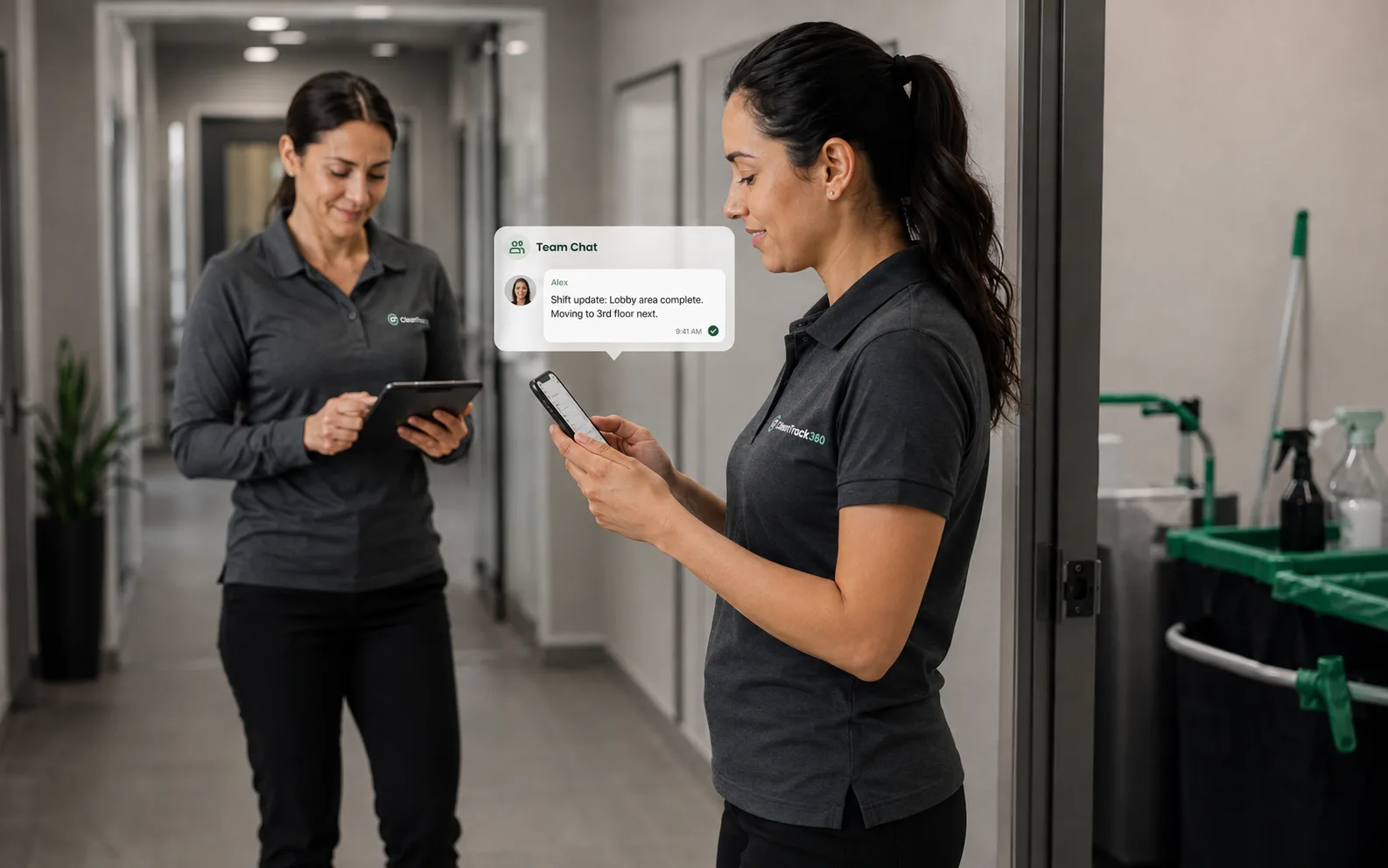
Location-based channels keep conversations organized by job site. Supervisors and crew communicate in context. Share photos, request supplies, and escalate issues without drowning in group chat noise.
Included in every plan · No credit card required
The problem
You know this routine too well.
Your crew communication lives in WhatsApp groups, text threads, and voicemails. Supply requests get buried. Important updates get missed. You can't search for anything. And when a crew member leaves, they take the conversation history with them. Your team communication shouldn't be this fragile.
With CleanTrack360
- Replace WhatsApp chaos with organized channels
- Keep conversations tied to specific job sites
- Supply requests live in their own workflow, not buried in chat
- Message history belongs to the company, not personal phones
- Native apps for the crew, browser for the office
Everything included
What is inside Team Messaging
Every feature below comes with your plan. No add-ons, no upsells.
Location Channels
Each job site gets its own messaging channel. Crew at that location see only the messages relevant to their work.
Photo Sharing
Share before/after photos, report issues, or document completed work directly in the chat.
Supply Requests
Crew request supplies from their phone; supervisors approve and track fulfillment in the supplies module, with notifications on both sides.
Member Sync
One click reconciles a location channel with the crew currently assigned there, so the right people are always in the conversation.
Apps & Browser
Works in the CleanTrack360 app on iOS and Android for the crew, and in any browser for the office.
Company-Owned History
Every conversation stays with the company account. When someone leaves, the context stays with you.
How it works
Up and running the same day
Create channels
Give each location its own channel and sync its members in one click as crews change.
Crew communicates
Team members share updates, photos, and supply requests in the relevant channel.
Supervisors respond
Managers see all channels and can jump into any conversation to provide guidance.
Everyone stays posted
New activity notifies each person in their own language, following their notification preferences.
FAQ
Questions about Team Messaging
That's exactly what it's designed to do. Unlike WhatsApp, messages are organized by location and owned by your company, not by individual phone numbers.
Works together with
Stronger as one platform
See Team Messaging on your own operation
Run real jobs through CleanTrack360 during your 14-day free trial.
Start your free trialNo credit card required · Cancel anytime